
SEO Audit Workflow
Export WordPress URL Index
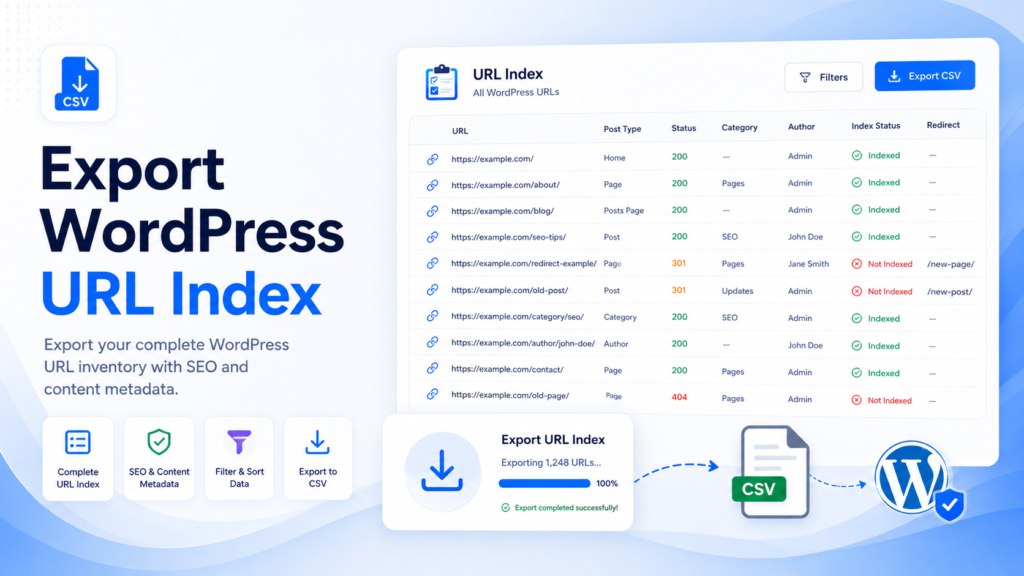
A WordPress URL index is a complete inventory of URLs and useful metadata. It is one of the most useful starting points before SEO cleanup, redirects, migrations, category restructuring, and content pruning.
This guide explains what a URL index should include, how it differs from an XML sitemap, and how Bulk SEO URL Manager can connect exports to safe bulk URL workflows.
What is a WordPress URL index?
A URL index is a list of site URLs with useful content details such as post title, post type, status, category, author, slug, modified date, and SEO metadata. It is designed for review and decision-making, not only discovery.
Why export a URL index?
Exporting a URL index helps with content audits, URL cleanup, sitemap review, redirect planning, content pruning, category cleanup, post status review, migration planning, and finding outdated content.
What should a URL index include?
A useful URL index gives enough context to make decisions without opening every post in WordPress.
| Column | Why it matters |
|---|---|
| URL | Main identifier |
| Post ID | Accurate WordPress reference |
| Title | Content review |
| Post type | Posts, pages, and custom post types |
| Status | Published, draft, private, or pending |
| Category | Content organization |
| Author | Editorial ownership |
| Slug | URL structure |
| Last modified | Freshness review |
| Meta title | SEO review |
| Meta description | SEO review |
Sitemap export vs URL index export
XML sitemaps help search engines discover URLs. A URL index export is built for human review, spreadsheets, cleanup decisions, and workflow planning.
| Feature | XML Sitemap | URL Index Export |
|---|---|---|
| URL list | Yes | Yes |
| Post metadata | Limited | Yes |
| SEO metadata | Limited | Often available |
| Editable in spreadsheet | Not ideal | Yes |
| Audit friendly | Limited | Yes |
| Redirect planning | Limited | Yes |
How to export a URL index
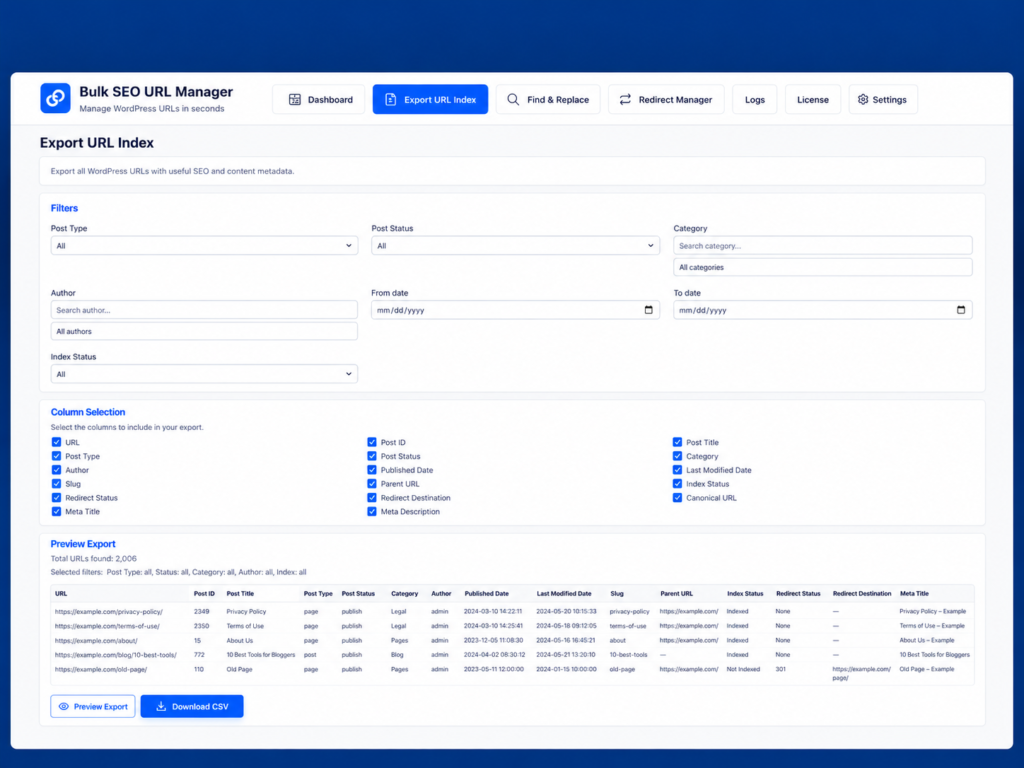
Open Export URL Index, choose filters, select columns, preview the export, download CSV, and review it in a spreadsheet.
How Google treats sitemaps and noindex
Google explains that XML sitemaps help list URLs and that Google uses lastmod when it is consistently accurate. Google also explains that noindex removes a page from search results only when the directive can be crawled and processed.
Frequently asked questions
How do I export all WordPress URLs?
Use an Export URL Index workflow to generate a CSV inventory of WordPress URLs and metadata.
What is the difference between a sitemap and URL index?
A sitemap is mainly for search engine discovery. A URL index is for audits, spreadsheets, cleanup, and planning.
Can I export SEO metadata?
Where available, URL exports can include useful SEO metadata for review.
Can I use exported URLs for redirects?
Yes. Exported URLs can become the starting point for redirect planning and bulk URL actions.
Does this work with SEO plugins?
Bulk SEO URL Manager is designed to work alongside existing SEO plugins.
Export your WordPress URL inventory.
Use Bulk SEO URL Manager to turn reviewed URL lists into safer WordPress URL operations with validation, previews, exports, and Pro workflows when you need them.