
Indexing Workflow
Bulk Noindex WordPress Pages by URL
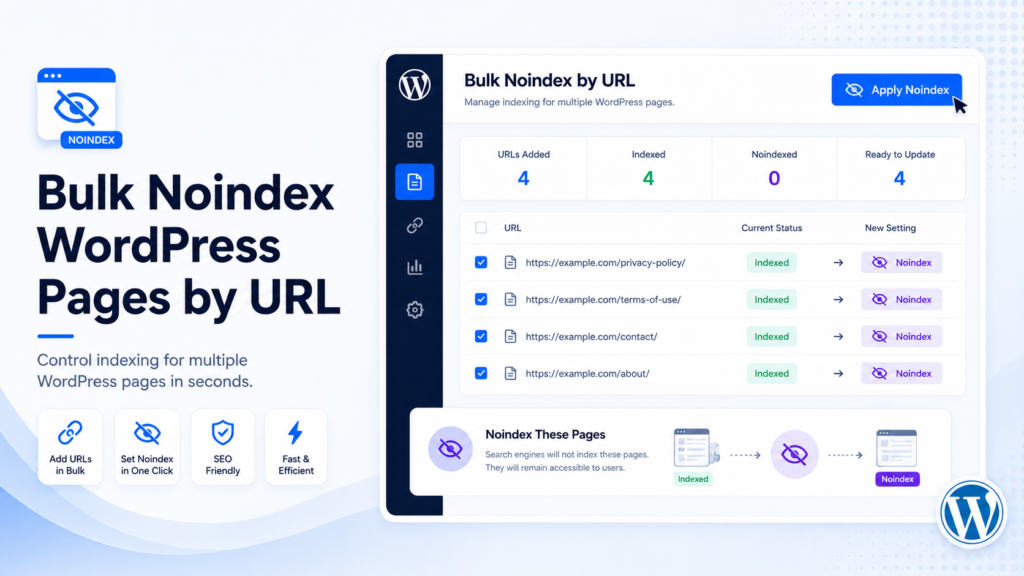
Noindex is useful when a page should remain live for users but not appear in search results. It should be used carefully, especially on pages with traffic, backlinks, or conversions.
Google’s own documentation explains that noindex removes a page from Google Search results when Googlebot can crawl the page and see the directive. That means noindex should not be mixed carelessly with crawl blocking.
What does noindex mean?
Noindex tells search engines not to show a page in search results after the directive is crawled and processed. It is not instant and should not be used blindly across important pages.
When should you noindex WordPress pages?
Noindex may be useful for thin but necessary pages, internal landing pages, duplicate pages, utility pages, expired campaign pages that should remain accessible, low-value archives, temporary content, and public resources that are not intended for search.
When you should NOT use noindex
Do not noindex important pages that drive organic traffic, conversions, backlinks, or internal link value without reviewing them first.
Review important pages before adding noindex. A mistake can remove useful pages from search results after recrawl.
Noindex vs delete vs redirect vs draft
Choose the action based on whether the page should stay visible to users and whether it should appear in search results.
| Action | Page visible to users? | Search visibility | Best use case |
|---|---|---|---|
| Noindex | Yes | Removed after crawl | Keep page live but out of search |
| Delete | No | URL removed | Useless content |
| Redirect | Sends users elsewhere | Old URL replaced | Moved content |
| Draft | No public page | Not public | Temporary removal |
Safe bulk noindex workflow
Export URL index, review URLs, identify pages that should stay live but not rank, paste URLs, select Set Noindex, validate, preview, apply changes, and recheck important pages.
- Export URL index
- Review URLs
- Identify pages to keep live but not in search
- Paste URLs into Bulk SEO URL Manager
- Select Set Noindex
- Validate URLs
- Preview affected posts
- Apply changes
- Recheck important pages
How Bulk SEO URL Manager Pro helps
Set Noindex is a Pro workflow. It supports URL lists, validation, previews, logs, undo support for supported actions, CSV import, and Export URL Index for review.

Frequently asked questions
Can I bulk noindex WordPress pages?
Yes. Bulk SEO URL Manager Pro supports setting noindex by URL for reviewed lists.
What is noindex used for?
Noindex is used when a page should remain accessible but should not appear in search results.
Does noindex remove a page instantly?
No. Search engines need to crawl the page and process the directive.
Can I noindex by URL?
Yes. A URL-based workflow lets you apply noindex to selected reviewed URLs.
Is bulk noindex available in the free version?
Bulk noindex is available in Bulk SEO URL Manager Pro.
Control WordPress indexing by URL.
Use Bulk SEO URL Manager to turn reviewed URL lists into safer WordPress URL operations with validation, previews, exports, and Pro workflows when you need them.