
WordPress Cleanup Workflow
How to Bulk Delete WordPress Posts by URL
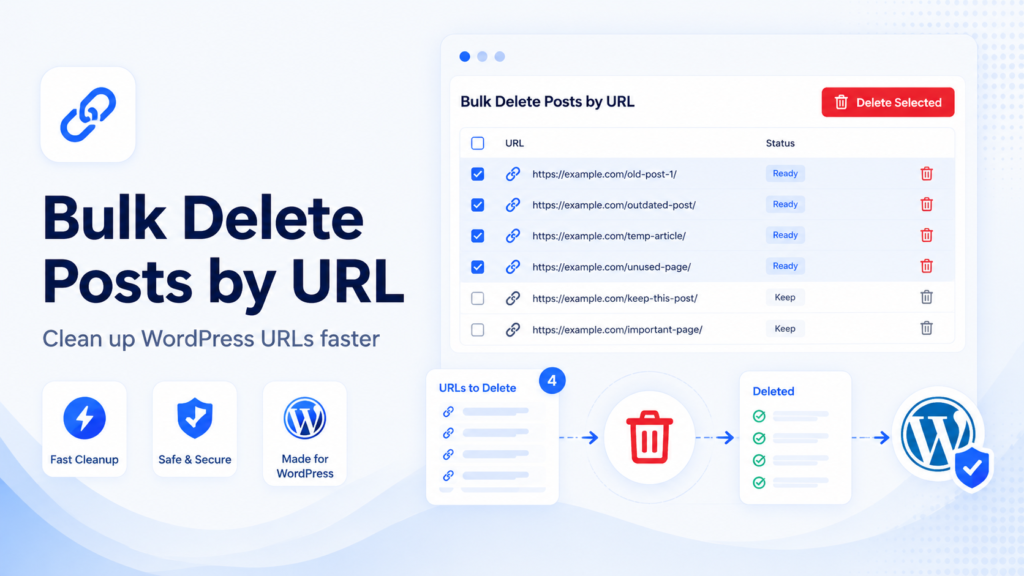
Deleting posts manually is slow and risky when working with large WordPress sites. A reviewed URL list is easier to manage than opening dozens or hundreds of posts one by one, but deletion still needs a safe process.
This guide explains when bulk deletion makes sense, when you should choose draft, noindex, or redirect instead, and how Bulk SEO URL Manager supports safer URL-based cleanup.
When should you bulk delete WordPress posts?
Bulk deletion can help with expired posts, outdated announcements, duplicate content, test posts, thin pages, old affiliate pages, and seasonal content that no longer serves users.
The key is to review every URL before applying a destructive action. A URL list makes the decision process easier, but it does not replace editorial judgment.
When you should NOT delete posts
Do not delete posts that still receive traffic, backlinks, sales, conversions, or internal link value without reviewing them first. Deleting a useful URL can create avoidable 404s and break internal links.
Review before deleting important URLs. Sometimes the better choice is update, redirect, draft, or noindex.
Delete vs draft vs noindex vs redirect
Each action has a different purpose. Choose the option based on whether the page should remain visible, disappear from the public site, or route users to a better destination.
| Action | Best for | SEO impact | Notes |
|---|---|---|---|
| Delete | Useless content | URL removed | Consider redirect if there is a relevant replacement |
| Draft | Temporary removal | Not public | Reversible inside WordPress |
| Noindex | Live page that should not appear in search | Removed after crawl | Page must be crawlable |
| Redirect | Old URL has a replacement | Routes users/search engines | Use a relevant destination |
Safe bulk deletion workflow
Start with an Export URL Index, review URLs in a spreadsheet, check traffic or backlink value, paste reviewed URLs, validate, preview affected posts, move to trash first, export results, and add redirects where needed.
- Export URL Index
- Review URLs
- Check traffic and backlinks
- Paste URLs
- Validate
- Preview affected posts
- Move to trash first
- Export results
- Add redirects where needed
How to bulk delete posts by URL with Bulk SEO URL Manager
Open Bulk SEO URL Manager, paste your URL list, select Delete Posts, choose Move to Trash, enable validation and preview, apply changes, and review the results table.

Common mistakes
Common mistakes include deleting without a backup, deleting instead of redirecting, deleting pages with backlinks, deleting category pages, leaving deleted URLs in sitemaps, and failing to export results.
Frequently asked questions
Can I delete WordPress posts by URL?
Yes. Bulk SEO URL Manager is built to process reviewed URL lists and apply actions to matching WordPress content.
Is bulk deleting posts safe?
It can be safe when you back up first, validate URLs, preview affected posts, and move content to trash before permanent deletion.
Should I move posts to trash or permanently delete?
Move to trash first when possible because it gives you a recovery window.
Should deleted posts be redirected?
Redirect deleted URLs when there is a relevant replacement for users.
Can I bulk delete pages too?
A URL workflow can support posts and other public WordPress content depending on plugin settings and available actions.
Clean old WordPress URLs safely.
Use Bulk SEO URL Manager to turn reviewed URL lists into safer WordPress URL operations with validation, previews, exports, and Pro workflows when you need them.