Documentation
Bulk SEO URL Manager Documentation
Learn how to use Bulk SEO URL Manager to manage WordPress URLs faster with safe bulk workflows.
Getting Started
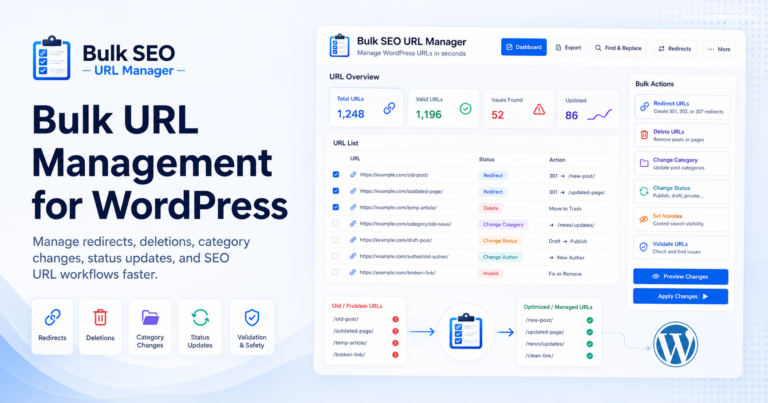
Bulk SEO URL Manager helps you manage WordPress URLs in bulk from one clean dashboard.
Basic workflow:
- Paste URLs
- Choose an action
- Preview affected posts
- Apply changes
- Review results
Installation
- Go to Plugins → Add New
- Upload the plugin ZIP
- Activate the plugin
- Open Bulk SEO URL Manager from the WordPress admin menu
Dashboard Overview
The dashboard gives you one clean place to prepare, preview, and process URL operations.
- Paste URLs box
- URL validation
- Select Action
- Dynamic Options
- Safety options
- Preview
- Apply Changes
- Results table
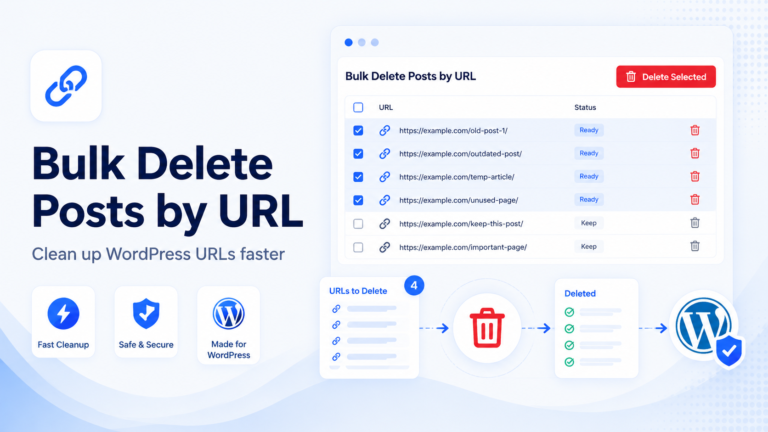
Bulk Delete
- Paste URLs
- Select Delete Posts
- Choose delete option
- Preview affected posts
- Apply changes
Safety note: Always preview before deleting content.
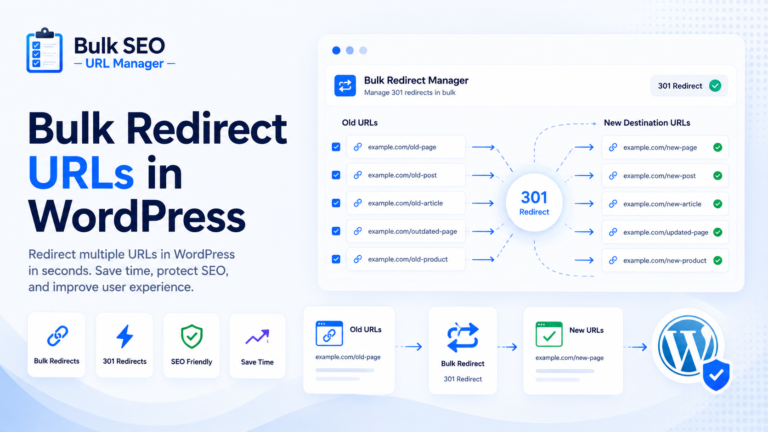
Bulk Redirect
- Paste source URLs
- Select Redirect URLs
- Choose redirect type
- Add destination URL
- Preview
- Apply
Change Category
- Paste URLs
- Select Change Category
- Choose category
- Preview
- Apply
Change Status
- Paste URLs
- Select Change Status
- Choose Published, Draft, Private, or Pending Review
- Preview
- Apply
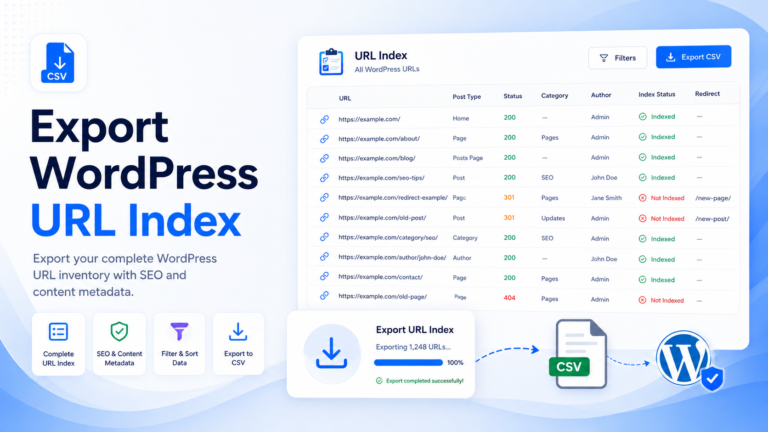
Export URL Index
Export URL Index lets you download your WordPress URL inventory for audits, cleanup, and reporting.
- URL
- Post title
- Post type
- Status
- Author
- Category
- SEO metadata where available
Pro Features
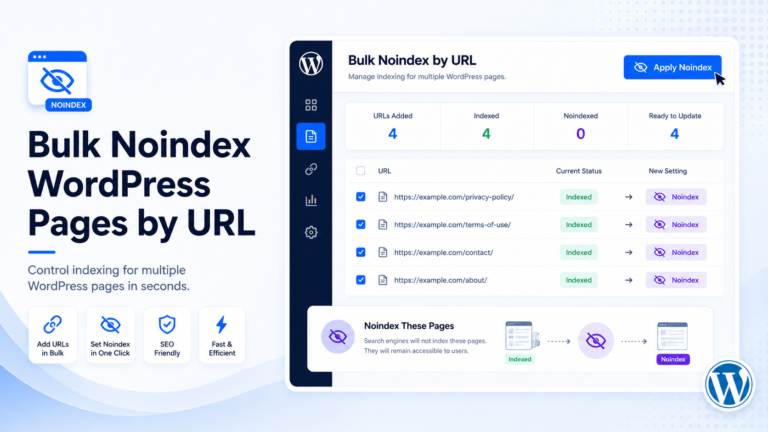
- Set noindex by URL
- Change author by URL
- CSV import
- Find & Replace URLs / Slugs
- Redirect Manager
- Action Logs
- Undo supported actions
Troubleshooting
Some URLs are not found.
Make sure the URLs match existing WordPress posts or pages.
Pro features are locked.
Activate a valid Pro license from the License page.
CSV import is locked.
CSV import is available in Pro.
Redirects are not working.
Check your redirect settings and clear site cache if needed.
FAQ
Is this a full SEO plugin?
No. It is a bulk URL operations tool.
Does it replace Yoast, Rank Math, or AIOSEO?
No. It works alongside your existing SEO plugin.
Can I preview changes first?
Yes. Preview is recommended before every bulk action.